
Read the whole file
A verified fact chronology built from the full case file, and an elements-and-proof table that shows where the proof for each element lives, with every entry tied to its source.
For law firms
From case documents and preparation to the processes that keep a practice moving, with attorney judgment and review built in.
Shemia Fagan and I teach the Claude Bootcamp for lawyers and legal staff, and firms can book it directly with me. Once your team has attended, I work one-on-one with your lawyers and staff on ongoing support, additional coaching, and further implementation, based on the needs and questions you identify.
“This has been the most important meeting I have ever attended in my entire career.”
What we can work on
Each of these comes from the Claude bootcamp curriculum, and each runs on your own case files with attorney review at every step.
A verified fact chronology built from the full case file, and an elements-and-proof table that shows where the proof for each element lives, with every entry tied to its source.
Every case, statute, and rule cited in a brief, downloaded into one folder with the cited language highlighted, plus the model jury instructions for each claim and the judge’s standing order.
A deposition or prep-session transcript turned into an impeachment outline or an adverse witness exam, with video clips pulled at the page and line you need.
Formatted pleadings with the caption built first, tracked changes on opposing counsel’s draft, protective orders started from the court’s model, and objections without the boilerplate.
A voice profile built from your own emails and briefs, so drafts for your staff, your clients, and the court each sound like you.
Your inbox sorted with replies drafted, court dates on the calendar, and every matter’s deadlines four weeks out in one document, with the jobs you repeat saved as skills you run by name.
You work on your own files, and I don’t need access to them. How I handle your data.
Ways to work together
Coaching, implementation, and ongoing support are one-on-one with me, for firms whose lawyers or staff have attended a Claude Bootcamp.
Choose useful tools, find promising starting points, and develop the judgment to use AI well, on a specific challenge or as your needs evolve.
Ongoing supportMap a process, organize information, connect Claude to the services your firm already uses, such as Microsoft 365, Dropbox, and Slack, and build a workflow you can run and review, working alongside each other.
Hands-on setupThe bootcamp brought to your firm and built around your work, taught by Shemia and me. We recommend two days, and a one-day version is available.
The Claude BootcampFor lawyers and legal staff
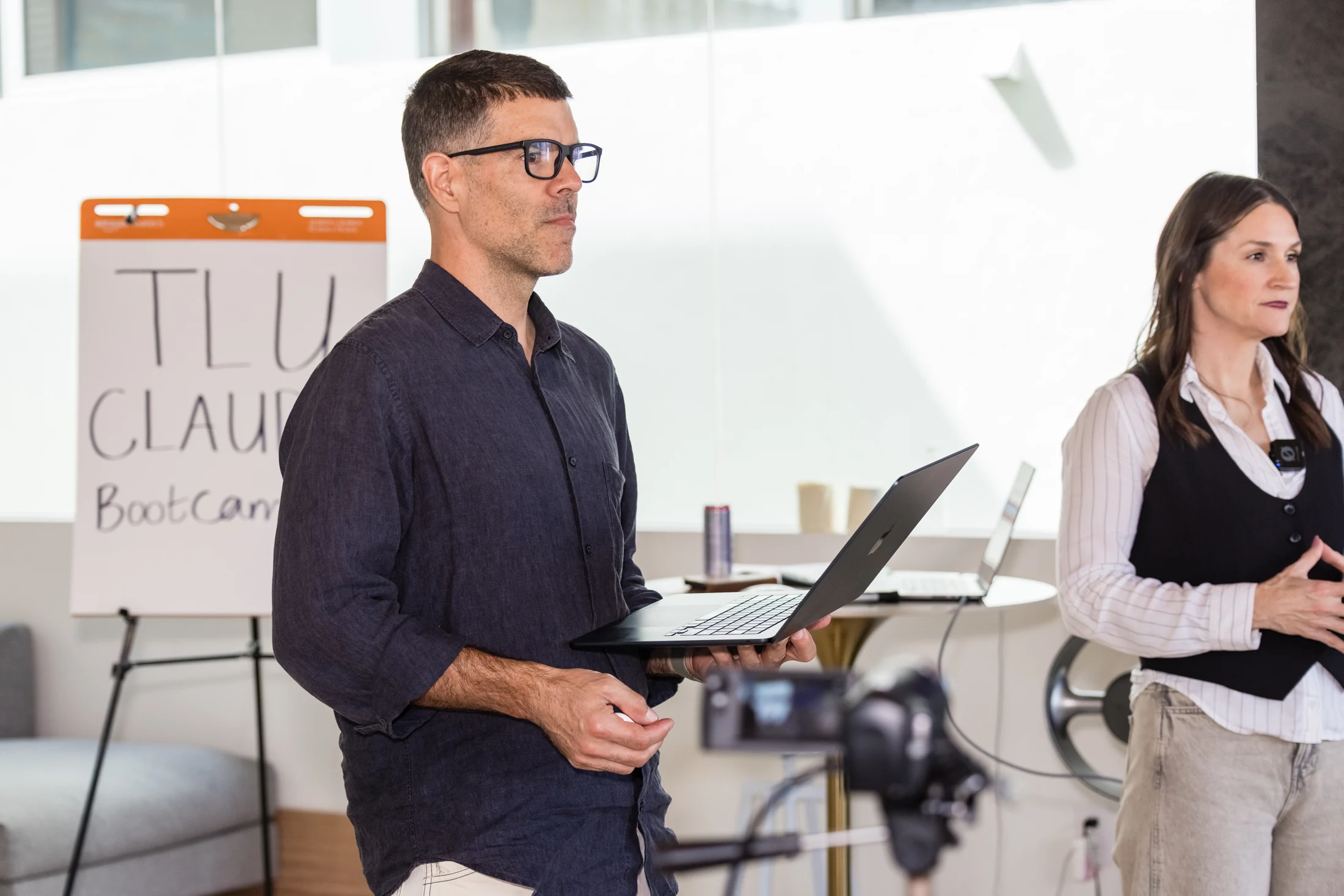
A two-day, hands-on class that Shemia Fagan and I teach together. A firm or a group of lawyers can book it directly with me, and Shemia and I travel anywhere in North America to teach it. Trial Lawyers University hosted our September and October 2026 classes in Hermosa Beach, California. Two days is the structure we recommend, and a one-day version is available for firms.
Shemia and I walked through our TRIAL framework for trial lawyers on the Trial Lawyers University podcast.
Bring your own laptop and a live matter or project. Teaching blocks alternate with time to build on your own files, with guidance as you work.
Inside the bootcamp
The outline below follows the October 2026 bootcamp; exercises adapt to the room and the work people bring. A private bootcamp for your firm has its own agreed scope.
Day one
Privacy settings, standing instructions, and a connected folder, so Claude knows how you practice before it touches a case file.
Download jury instructions, standing orders, and every case cited in a brief, then build a verified fact chronology and an elements-and-proof table.
Tracked changes on opposing drafts, formatted pleadings, protective orders from the court’s model, and government forms filled from the file.
One place for the instructions, files, and chats for a single case, client, or judge.
A voice profile built from your own writing, with registers for your staff, your clients, and the court.
Day two
Check claims and citations against the source before anything leaves the office.
Record a job once and run it by name from then on.
Connect your inbox and calendar, sort mail into folders, draft replies, and keep every deadline four weeks out in one document.
Dashboards, designs, and tools built from a request in the chat, for the case file and beyond it.
Experience grounded in practice

Founder, Working Fluency AI
I bring ten years of program leadership, team development, contract and grant compliance, and data systems experience across nonprofits and federal contracting, and I turn that operational perspective into practical AI training and workflows people can use on their own.
 Claude Certified Associate - Foundations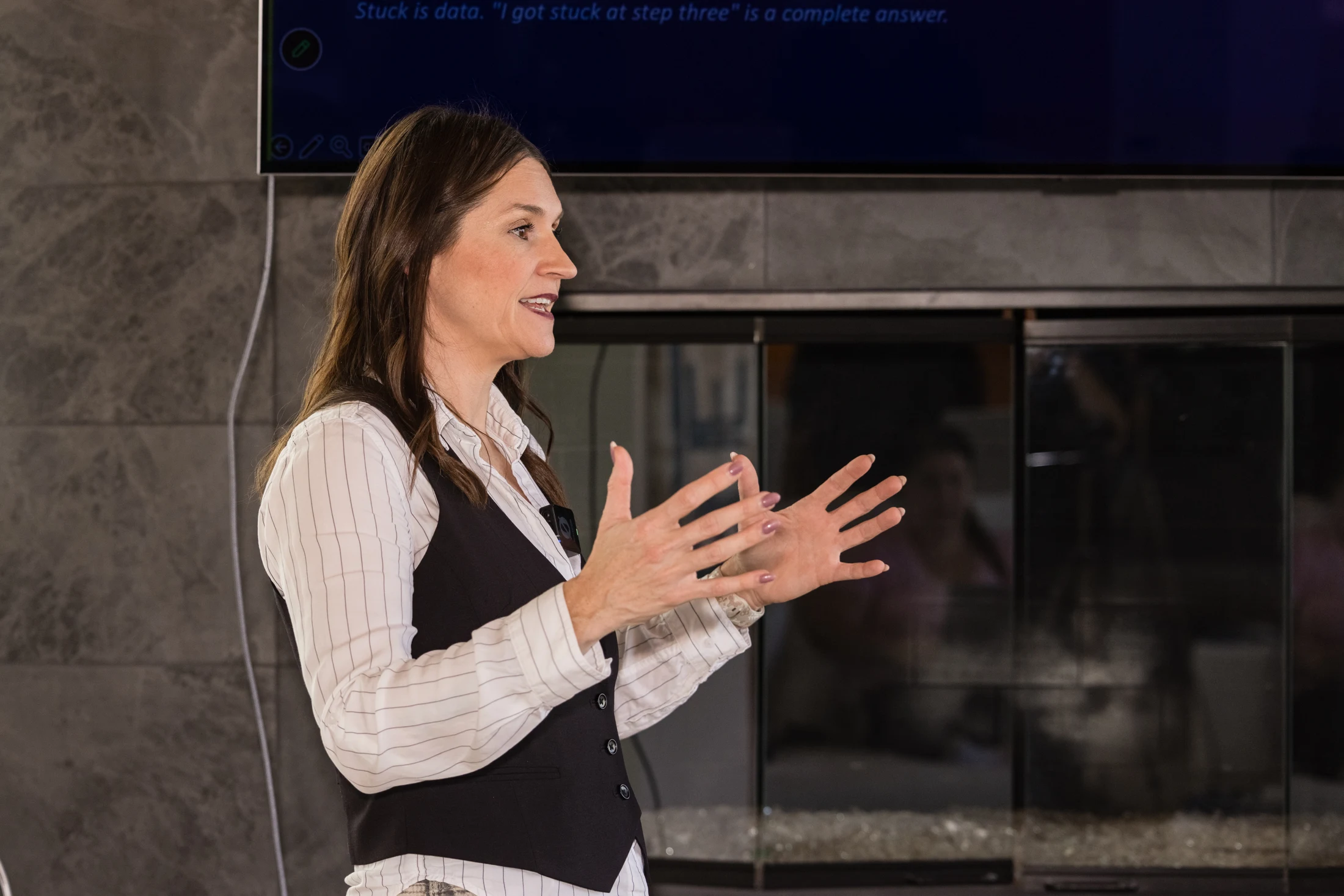
Managing Partner, HKM Employment Attorneys
Shemia runs HKM’s Boise, Oakland, Sacramento, San Francisco, and San Jose offices. She is a plaintiffs’ employment attorney who teaches from the systems she uses in her own practice, bringing live legal work and firsthand experience into the room.
In their own words
Hear attendees reflect on what they learned and put into practice.
Claude Bootcamp attendee 0:49
Jelani, if somebody was like, oh, I don't need, like, a two day, like, I already need to use AI. What'd you get out of the last couple days? We need to use AI. You need to use AI because it's gonna improve everything that you do. Your productivity's gonna go up. Your ability to think and to maintain yourself and really use your brain the way you need to do, to really excel is going to be there. So you need to certainly look into AI. It's not as scary as it seems. And if somebody's like, I'm already an expert in this, I don't need a two-day, I don't need a two-day boot camp, have you got anything out of the last couple days? I was almost like an AI expert before. So, you know, in the last 2 days, I have learned an entirely new system, new frameworks, and like broadened my horizons dramatically by using this. So it's great for everybody, even those of us who are already proficient. awesome.
Claude Bootcamp attendee 0:25
If somebody was like, I know you gotta go, but if somebody was like, I don't need to go, like, was it worth it the last two days, the last two days? This has been the most important meeting I have ever attended in my entire career. Wow. And I've attended a lot of damn meetings. You've gotten to learn the way to use these tools make you a better lawyer. Not only me, it's gonna make my entire firm a better practice. I love it. I love it.
Claude Bootcamp attendee 0:58
Meg, now you're on camera. So what would you say to somebody? They were like, oh, I'm not sure I want to go. That feels like a couple of days? Like, it's not gonna be worth the time. Oh, okay. If you want to lose cases. Don't take this workshop. If you think, you know, as much as a computer does, don't take this workshop. If you're that confident. However, if you're not that confident. I know there's potential, and that your settlements can probably go up, seven figures, take this workshop, and you'll know what it's made of. It has taught me to be organized. It has taught me what I don't know. It has taught me how I could work better, work more efficiently, and it also taught me how, like, I have a lot of pro bono cases that I don't necessarily want to have my employees working on them, and cowork is, like, literally 7 employees in one. So take the workshop. test it out. And I promise you, when you walk out the door, you will thank God that you took this workshop.
A good first step
Bring a question, a bottleneck, or an idea for doing things differently. We’ll work out where AI can help and what kind of support makes sense.
The first call is free, on Zoom, and needs no preparation. For on-site work, I travel anywhere in North America.